
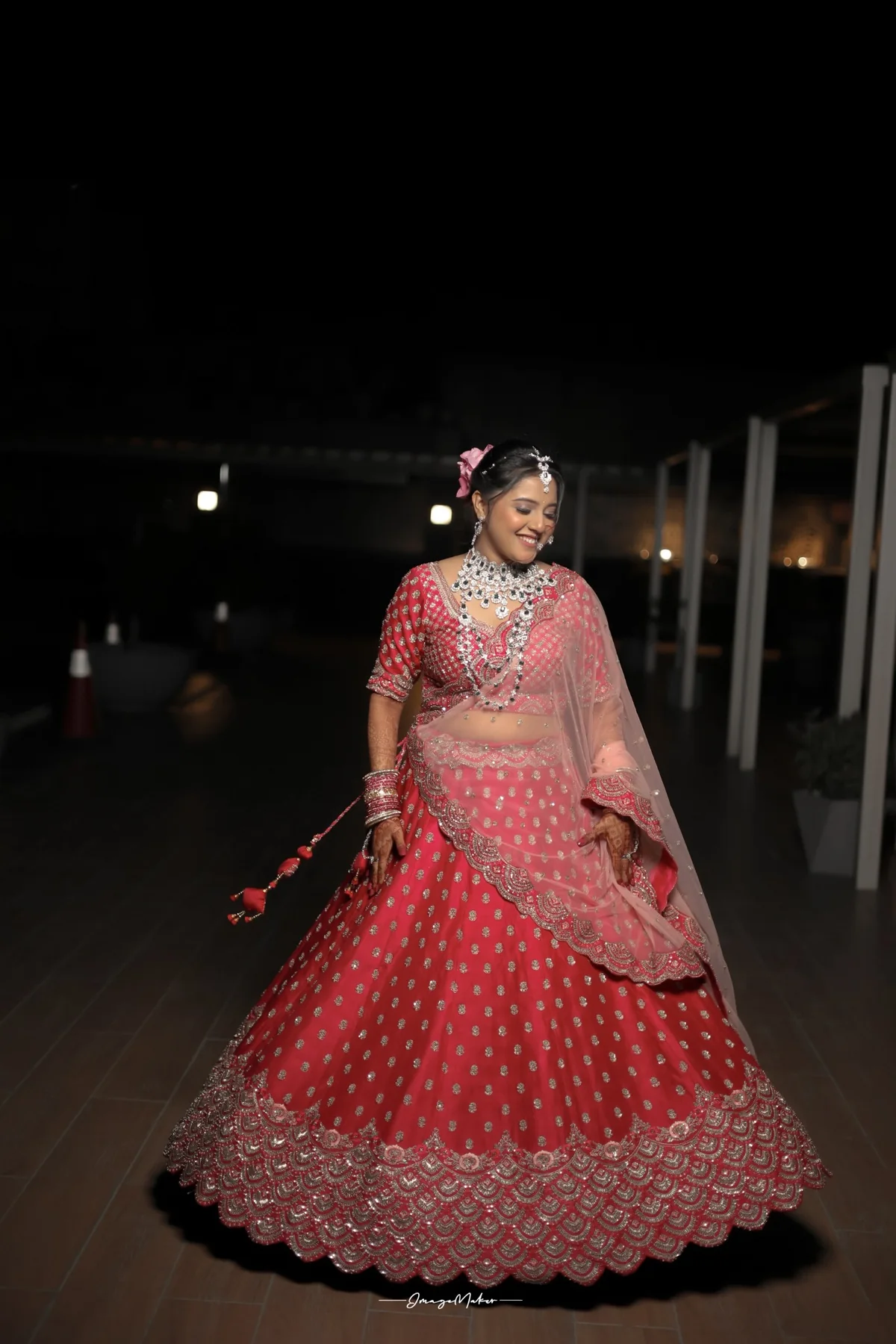
Wedding photo privacy matters because a gallery can include children, relatives, intimate rituals and moments people expected to share only with family. Before posting photographs publicly, agree on what is comfortable for you, your partner and the people pictured. A few simple choices can help you celebrate online while respecting everyone’s preferences.
Decide what you want to share
Talk with your partner about the images that feel right for a public post. You may be happy to share a portrait from the ceremony but prefer to keep family gatherings, candid moments or children’s photographs within a private group. Decide whether you want guests to post images during the event or wait until you have shared your own update.
There is no single rule for every family. Some people enjoy a public celebration; others prefer a quieter approach. Ask close relatives before posting a photo that could surprise them, especially when it shows a child or a personal moment. A quick message can prevent an awkward misunderstanding later.
Use gallery settings thoughtfully
If your photographer delivers an online gallery, check whether it is password protected and how long the link will remain active. Share the access details only with the people who need them. Avoid placing a private gallery link in a public social post, group description or open forum. If you forward it to family, explain that the link is intended for personal viewing.
Before downloading or reposting, check whether the image has been resized or compressed. Tagging the couple or photographer can make a post easier to find, but it also makes it more visible. If you want to share a few favourites, use the files supplied for online sharing and preserve the original high-resolution photographs for printing.
Set expectations with guests
If you want an unplugged ceremony or ask guests to wait before uploading, communicate it kindly in advance. A note on the invitation or a short announcement from the host can help people understand the request. Make the expectation specific: for example, you may welcome photos at the reception while asking guests to keep phones away during the vows.
Ask your photography team how it handles preview images, social media posts and permission for portfolio use. Confirm whether you can review a selection before it is published. If someone in your family has a privacy concern, mention it before the wedding so the team can take it into account.
Keep a private copy for family
A private gallery or shared folder can be a good way to let relatives revisit the day without making every photo public. Review sharing permissions from time to time and remove access if the link was sent more widely than intended. Keep your own backup of the delivered images as well.
Image Maker’s wedding photography gallery offers examples of finished work. For booking questions about image delivery or sharing, contact the studio before your event.
A thoughtful sharing plan lets you celebrate in a way that feels comfortable to the people in the photographs. Agree on a few boundaries before the wedding, tell guests clearly and use private links for images meant for family.