
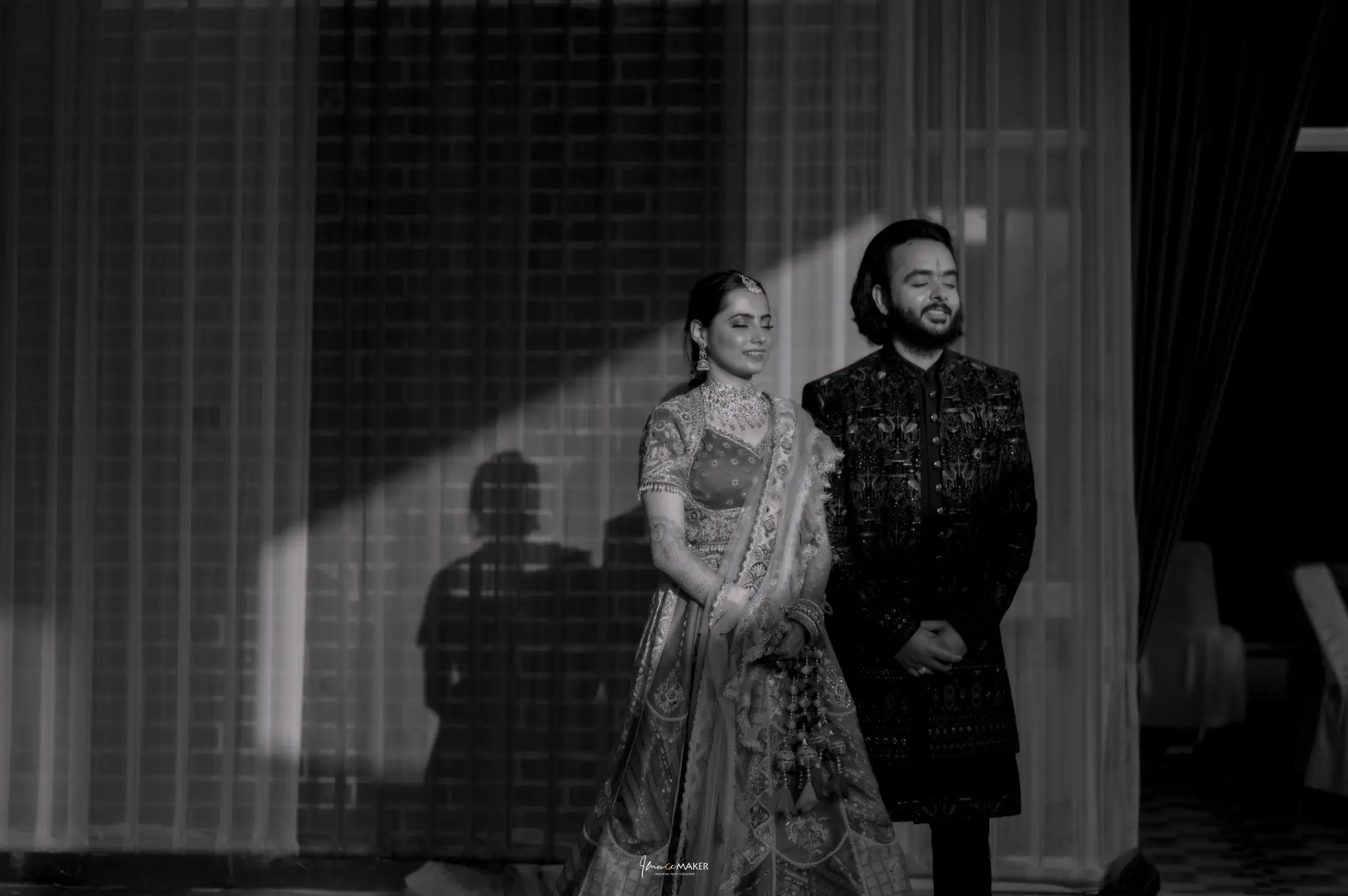
Wedding album design begins with choosing what you want to remember, not with filling every page. A thoughtful album moves through the celebration with a balance of people, details, portraits and atmosphere. Whether your wedding took place in Gorakhpur or elsewhere, the most useful selection is the one that tells your own story clearly.
1. Give your wedding album design a clear beginning
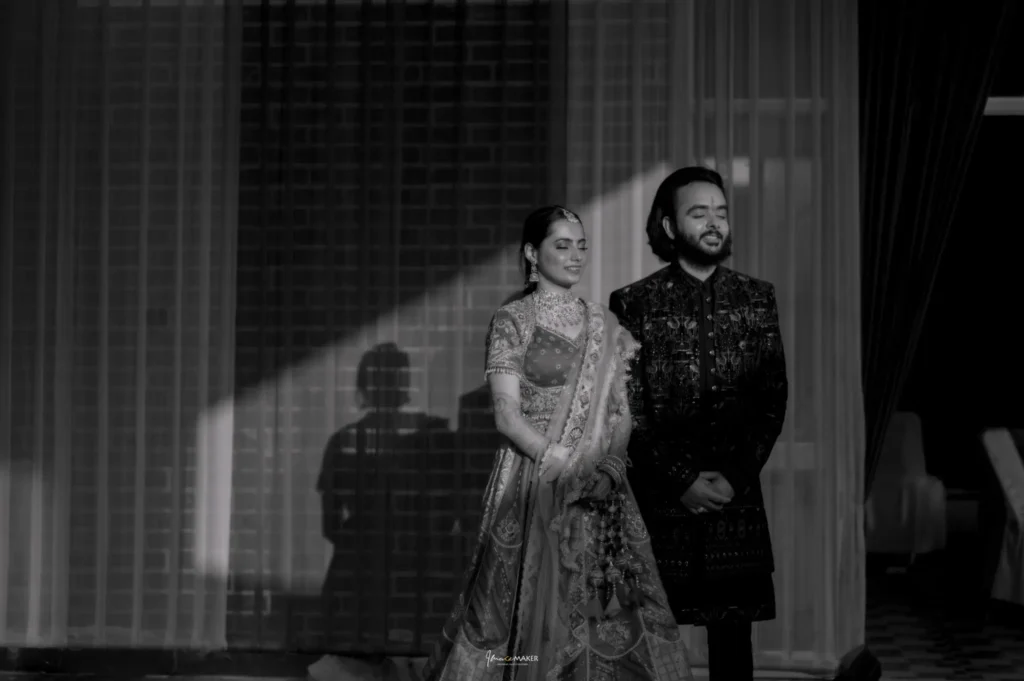
Choose an opening that introduces the day. It might be a quiet portrait, a meaningful detail or a wider view that establishes the setting. You do not have to start with the most dramatic photograph. Think about what helps a reader enter the story.
Decide whether the album covers one event or several. If it includes engagement, mehndi, haldi and the wedding, a simple sequence can help each chapter feel distinct. Share that preference with the designer before reviewing individual layouts.
2. Select moments before counting photographs
Begin with the photographs that matter emotionally: important relatives, a meaningful ritual, a spontaneous reaction or a portrait you love. Then add supporting images that explain the setting and sequence. Avoid choosing several near-identical frames simply because each looks good on its own.
Ask which page and image quantities are included in your booking. Wedding album design works best when the selection fits the agreed format. It is easier to make a balanced shortlist first than to remove favourites from an overcrowded layout later.
3. Balance wide scenes and close details
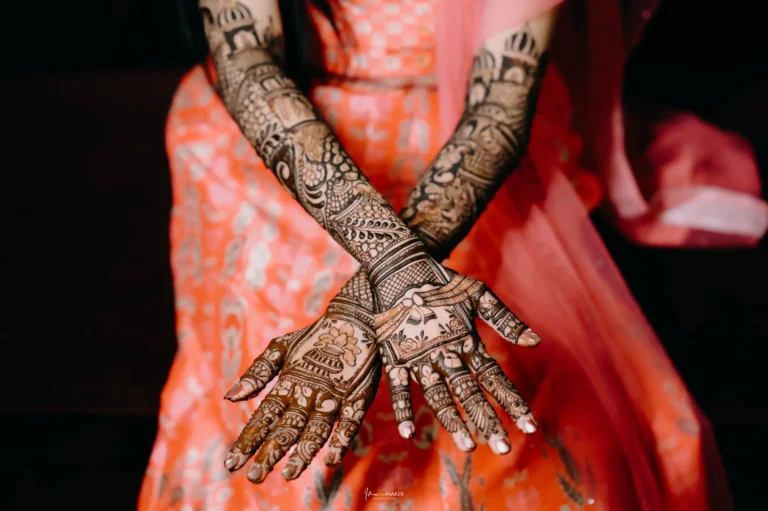
Wide photographs show where people are and how an event feels. Close images bring attention to expressions, hands, clothing and small gestures. A sequence that uses only one distance can begin to feel repetitive, even when every photograph is attractive.
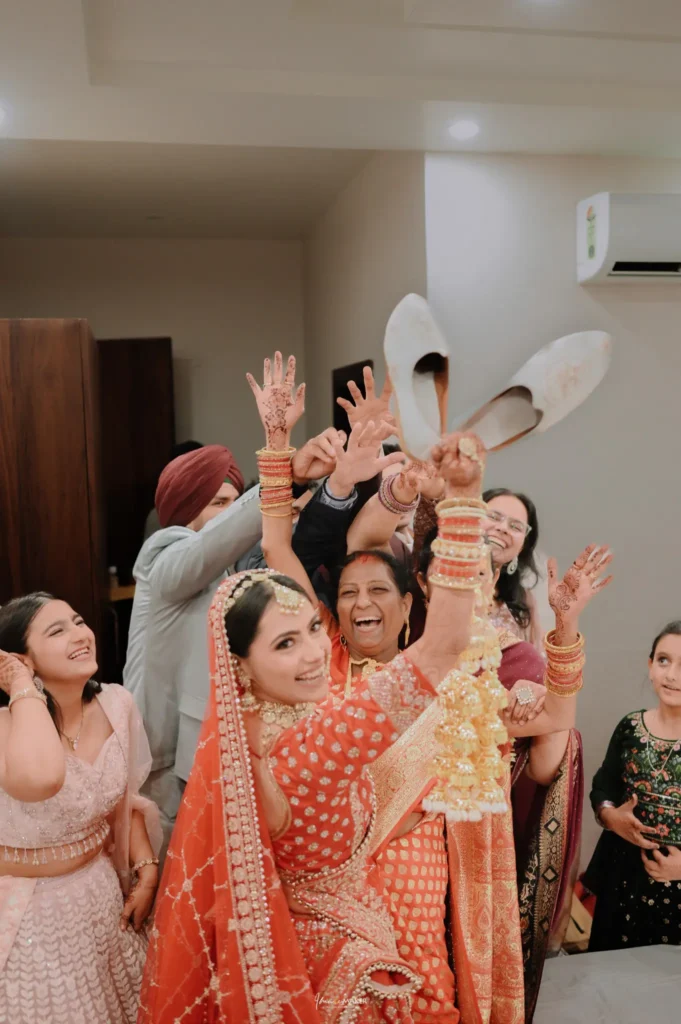
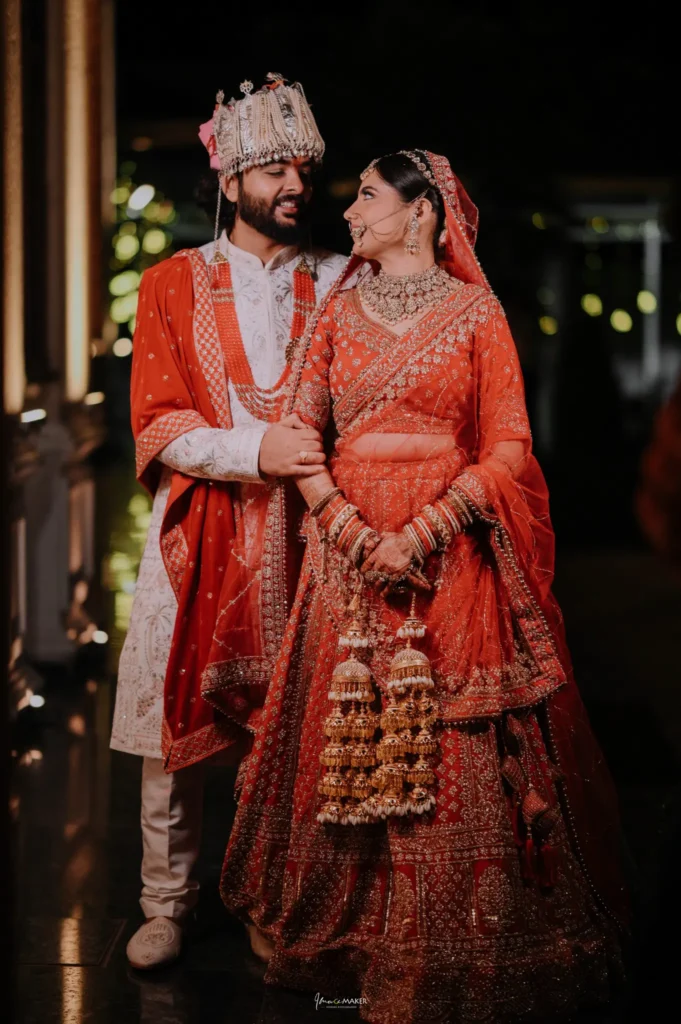
Use details to support the story rather than interrupt it. A ring image can sit near the exchange, and a clothing detail can connect to preparation. The photographs accompanying this guide are source images from our wedding portfolio, not examples of a specific printed album product.
4. Keep family relationships visible
Check that the people most important to you appear in the selection. A beautiful album can still feel incomplete if a close relative is missing. Review the group photographs alongside candid interactions, because each records a different side of the relationship.
Our wedding family photo guide explains how to plan those combinations before the event. During wedding album design, a short family checklist can help you spot omissions before the final proof is approved.
5. Let strong photographs have enough space
Not every page needs the same number of pictures. A particularly meaningful portrait or moment may work well with more room around it, while a short sequence can show an action developing. Discuss the balance with the designer rather than trying to make every spread identical.
Watch where faces, hands and important details sit in relation to folds or edges. A crop that works on a phone may need adjustment for a printed page. Ask to review how the image is used in the actual proposed layout.
6. Choose a consistent visual style
Decide whether you prefer a clean layout, decorative elements or a mixture that stays restrained. Use a few examples to explain the preference, but allow the design to suit your own photographs. A template should help the story rather than compete with it.
Colour and black-and-white images can both belong in wedding album design. Consider why each version works and how neighbouring images look together. Avoid unnecessary changes solely to make every page different; consistency helps the collection feel connected.
7. Review text and names carefully
If the album includes names, dates, venue labels or quotations, check them against one final written reference. Small spelling mistakes are easy to miss when attention is on the photographs. Ask another trusted person to read the text separately from the visual review.
Use captions only where they add something useful. You may want to identify a family tradition or preserve a short message, while other pages can speak through images alone. Keep private information out of a public sample version if the album will be shared online.
8. Check the proof as a complete sequence
Review the album from beginning to end, not only as isolated spreads. Look for repeated photographs, missing moments, abrupt transitions and pages that feel too busy. Give feedback in one organised list with page references so the designer can understand each request.
Ask about the number of proof rounds and which changes are included before the design process begins. Wedding album design is easier when both sides know how revisions will be handled. Confirm that you are reviewing the final version before approving printing.
9. Confirm print details and keep your digital files
Discuss album size, paper or finish, cover choices, page count and any parent copies with the team. Ask to see available samples if possible. These are product choices that should be confirmed in your individual order rather than inferred from a portfolio photograph.
Explore Image Maker’s complete wedding stories to think about image sequencing. For studio directions and feedback, visit Image Maker wedding photography studio in Gorakhpur on Google. Keep copies of the delivered digital photographs as well as the printed album, and ask the supplier how to care for your chosen materials.
Frequently asked questions
How many photographs should be in an album?
Start with the page count and design format you have agreed. Select essential moments first, then ask the designer how many supporting images fit comfortably. More photographs do not automatically make a better album.
Can we choose the pictures ourselves?
Discuss the selection process with your photographer. Some couples make the first shortlist and ask for help with balance; others prefer a suggested sequence to review. Confirm the process before design begins.
When should we approve printing?
Approve only after checking the complete layout, names, dates, crops and included photographs. Keep a copy of the final proof and confirm any remaining questions about the physical product.
Discuss wedding album design with Image Maker in Gorakhpur. Ask about album options for your wedding coverage or call +91 78449 56488. Share the events and family moments you want the album to preserve.